
Samiland App – Play on Mobile Without Downloading
Samiland doesn't offer a dedicated app for iPhone or Android, and you don't need one. The entire casino runs through your phone's browser, with the same slots, live tables and bonus offers you'd find on a desktop. Below, we cover how to open Samiland on mobile, add a shortcut to your home screen and get playing in minutes.
📱 Is There a Samiland App to Download?
There's no native Samiland app in the App Store or Google Play, and that's by design. Instead, the casino is built as a fully responsive mobile site, meaning every page — lobby, cashier, promotions and account settings — resizes and reorganises itself automatically for your screen. You get the same library of over 2,000 games, the same live dealer tables and the same payment options whether you're on a laptop or a phone, without ever needing to free up storage space or wait for an update to install.
This browser-first approach also means there's nothing to approve through an app store, so you can start playing the moment you land on the site. For players who switch between devices during the day, it removes the hassle of keeping an app updated across phones and tablets.
Samiland Mobile Access at a Glance
| Feature | On Mobile |
| Native app | Not available — mobile browser only |
| Game library | Over 2,000 titles, including slots and live tables |
| Live dealer games | Yes, via Vivo, Atmosfera and Seven Mojos |
| Deposits | Visa, MasterCard, Bitcoin, Ethereum, Litecoin, Tether |
| Minimum deposit | £25 |
| Minimum withdrawal | £100 |
| Home screen shortcut | Yes, added through your browser's share or menu option |
How to Open Samiland on Your Phone
Getting started on mobile takes only a couple of taps. Open the browser you already use — Safari, Chrome or any other mobile browser works fine — and type in the Samiland address. The site loads in its mobile layout automatically, with the menu, game categories and cashier button all sized for touch navigation.
If you haven't got an account yet, the sign-up form appears in the same compact layout you'd see on desktop, just stacked for a narrower screen. You can complete registration entirely from your phone, entering your email, password, date of birth and preferred currency before confirming your details and moving straight to the cashier.
Add Samiland to Your Home Screen
Since there's no app listing to install, the next best thing is a home screen shortcut, which behaves almost identically to an app icon once it's set up. On an iPhone, open Samiland in Safari, tap the share icon at the bottom of the screen, then choose "Add to Home Screen" and confirm the name. On an Android phone, open the site in Chrome, tap the three-dot menu in the top corner, select "Add to Home screen" (sometimes shown as "Install app") and confirm.
Once added, a Samiland icon sits on your home screen alongside your other apps. Tapping it opens the site directly in a slimmed-down browser window, skipping the step of typing the address each time and giving you quicker access to your favourite slots and the live dealer lobby.
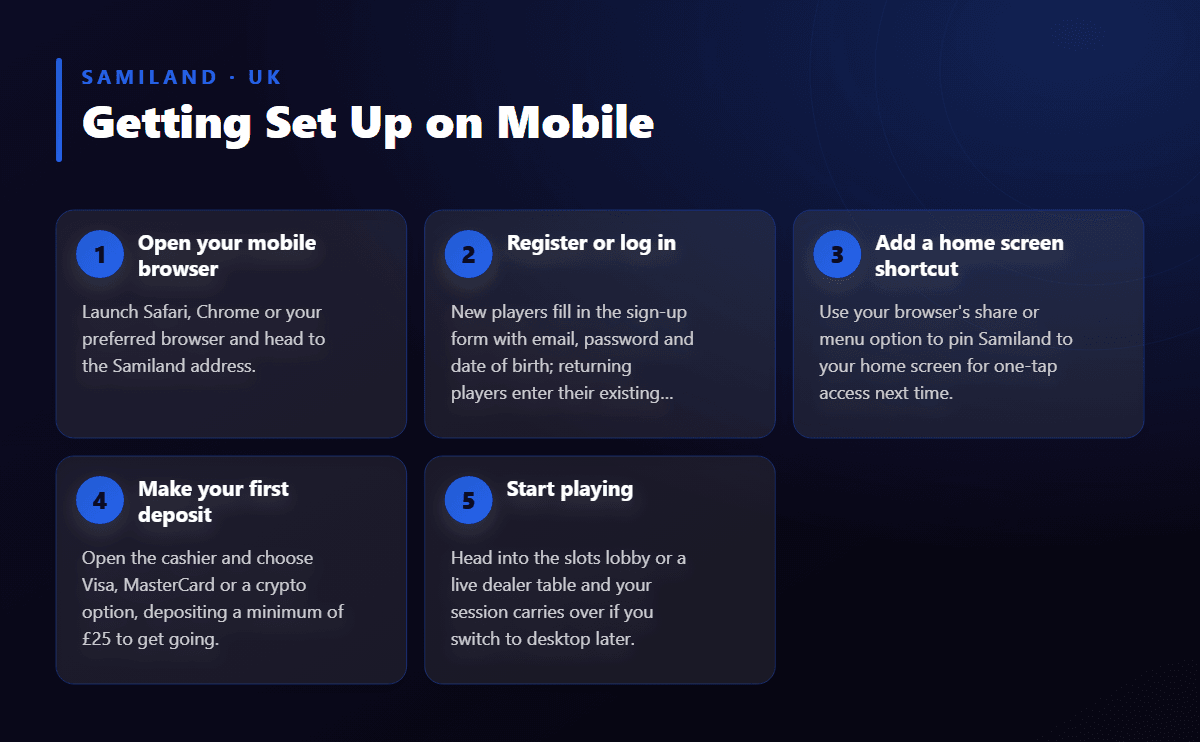
Getting Set Up on Mobile
Follow these steps to start playing Samiland from your phone in a few minutes.
- Open your mobile browser — Launch Safari, Chrome or your preferred browser and head to the Samiland address.
- Register or log in — New players fill in the sign-up form with email, password and date of birth; returning players enter their existing credentials.
- Add a home screen shortcut — Use your browser's share or menu option to pin Samiland to your home screen for one-tap access next time.
- Make your first deposit — Open the cashier and choose Visa, MasterCard or a crypto option, depositing a minimum of £25 to get going.
- Start playing — Head into the slots lobby or a live dealer table and your session carries over if you switch to desktop later.
What You Can Do on Mobile
Mobile play covers everything the desktop site offers. You can browse and filter the full 2,000+ game library by provider or type, spin titles like Big Bass Splash, Gonzo's Quest, Bonanza Megaways and The Dog House Megaways, and switch straight into live dealer tables run by Vivo, Atmosfera and Seven Mojos. Deposits and withdrawals work exactly as they do on desktop too — you can top up with Visa, MasterCard, or crypto including Bitcoin, Ethereum, Litecoin and Tether, starting from a minimum deposit, with full details on how each method works covered on the payments page.
The mobile cashier also shows your welcome offer and ongoing promotions, including the weekend drop tournaments and weekly reload, so you can claim them without hunting through menus. Game filters, search and your recent plays carry over between sessions, so switching from phone to desktop mid-week doesn't mean losing track of what you were playing.
Logging In and Registering on Mobile
Mobile login works the same way as on desktop: enter the email and password you set during registration, and the dashboard opens straight into your account, with the cashier, bonuses and game lobby just a tap away. If you're setting up a new account from your phone for the first time, the form asks for the same basic details — name, email, password and date of birth — and takes only a few minutes to complete, since the layout is built for thumb typing rather than a mouse and keyboard.
Players aged 18 and over can register directly from a mobile browser without any extra steps compared with desktop, and a minimum deposit of £25 applies across every payment method, including crypto.
💡 Tip: bookmark the login page alongside your home screen shortcut so you can jump straight to the sign-in form without passing through the homepage first.
Browser Compatibility on Mobile
Samiland's mobile site works across every major browser you're likely to have installed, including Safari on iPhone, Chrome and Samsung Internet on Android, and Firefox on either platform. There's no browser-specific version to hunt for in a store listing — whichever browser opens the address bar on your phone will load the full site, menus and cashier correctly. Older phones with limited processing power sometimes load the live dealer lobby a touch slower than the slots section, simply because video streams take more bandwidth than static game tiles, but the core site runs smoothly on most devices released in the last several years.
If a page looks oddly spaced or a button sits off-screen, it's usually down to browser zoom settings rather than a fault with the site itself. Resetting your browser's zoom to its default level or clearing cached data for the site tends to sort out any display quirks within seconds.
Managing Your Account Settings on Mobile
Everything you'd adjust from a desktop account panel is also reachable from your phone. You can update your password, change your preferred currency display, review your deposit and play history, and set responsible gambling tools like deposit limits or time-outs directly from the account menu on mobile. The settings pages use the same stacked layout as the registration form, so fields sit one below the other rather than side by side, which makes them easier to tap accurately on a smaller screen.
Notification preferences — covering promotional emails, bonus alerts and withdrawal confirmations — are also managed from the mobile account panel, so you can turn these on or off without needing to switch to a computer. Any change you save on your phone applies immediately to your account, regardless of which device you log in from next.
Mobile Connection Tips
A stable connection makes the biggest difference to how smooth mobile play feels, particularly when you're in a live dealer session where video and audio stream continuously. Wi-Fi generally gives the steadiest experience, though modern mobile data connections handle slots and table games without trouble. If a live table stream stutters, switching briefly between Wi-Fi and mobile data — or moving to a spot with a stronger signal — usually resolves it faster than refreshing the page repeatedly.
Keeping your browser updated to its latest version also helps, since browser updates often include performance improvements for media-heavy pages like live casino tables. If you play for extended sessions, it's worth checking your phone's battery saver settings too, as some aggressive power-saving modes slow down background processes and can make animations or live video feel less responsive than they should.
FAQ
Does Samiland have a dedicated app?
No — Samiland runs through a mobile browser instead of an app you'd download, so there's nothing to install from an app store.
Can I play Samiland on both iPhone and Android?
Yes, the mobile site adjusts automatically to either operating system, so the layout, games and cashier work the same way regardless of your phone brand.
Do I need to download anything to play on mobile?
No download is needed — simply open your browser, visit the site and everything loads directly, including the game lobby and cashier.
Can I add Samiland to my phone's home screen?
Yes, most mobile browsers let you add a shortcut to your home screen, which opens Samiland instantly without typing the address each time.
Will my account stay the same between phone and desktop?
Yes, your account, balance and game history stay in sync wherever you log in, so switching between a phone and a computer during the same session works smoothly.
Are live dealer games available on mobile?
Yes, the live dealer lobby runs on mobile browsers just as it does on desktop, letting you join tables from wherever you have a signal.
Is registering from a phone different from registering on desktop?
No, the registration form asks for the same details either way — the mobile version simply stacks the fields to fit a smaller screen.